
A path is a walk across the yard: from the patio to the driveway, from the front door to the street, or round to the back gate.
Lay one
Open Outdoor and pick Path. It's in the Ground group, next to Driveway, Pool and Fence, just under Patio and Deck.
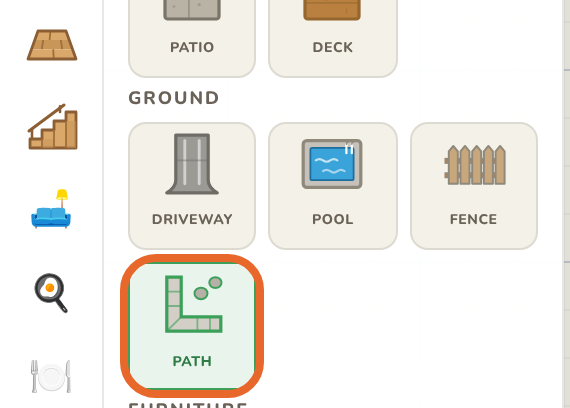
Pick what it's made of in the bar at the bottom: Concrete, Brick or Stepping stones. The − and + buttons make it narrower or wider (2 to 6 feet).
Click where the path starts.
Click each place it goes next. Every click adds a bend. With straight lines on, each part runs straight across or straight down, so an L-shaped path is two clicks.
To finish, click the last dot again (or double-click), or press Done ✓ in the note at the top. Enter works too.
Made a wrong turn while drawing? Undo dot takes the last one back.
Make it line up
The dots snap to the outside of the house walls, to the edges of patios, decks, driveways and pools, and to the bends of other paths. A dashed blue line shows what a dot caught. Snap a path's end to a patio's edge and they meet neatly.
Change it
Tap the path itself (not the grass beside it) to open its panel:
- Concrete, Brick and Stones change what it's made of.
- Width − / + makes it narrower or wider.
- Delete and Done ✓.
While it's selected:
- Drag a round dot to move that bend.
- Drag the path to move the whole thing.
Things to know
- A path goes round the house, not through it. A part that would cut across the house isn't added, and a note says so. A path can run right up to a wall, a patio or a driveway.
- Concrete gets lines across it every 4 or 5 feet, like a real sidewalk. Stepping stones are separate stones with grass between them.
- In 3D, the path sits just above the grass and follows the ground if your yard slopes.
- There's only one ground, so a path shows on every floor, like a driveway.