
A fence is a rectangle you draw around the yard. The fence runs along its four edges, and the inside stays open so you can still click on the house and everything in the yard.
Put one up
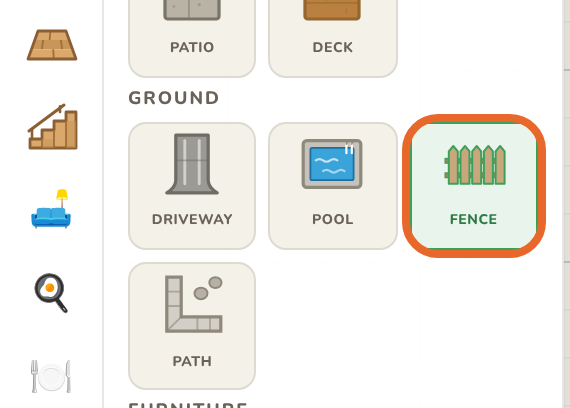
Open Outdoor and pick Fence. It's in the Ground group, with Driveway, Pool and Path, just under Patio and Deck.
Press where one corner of the yard goes and drag to the opposite corner, then let go.
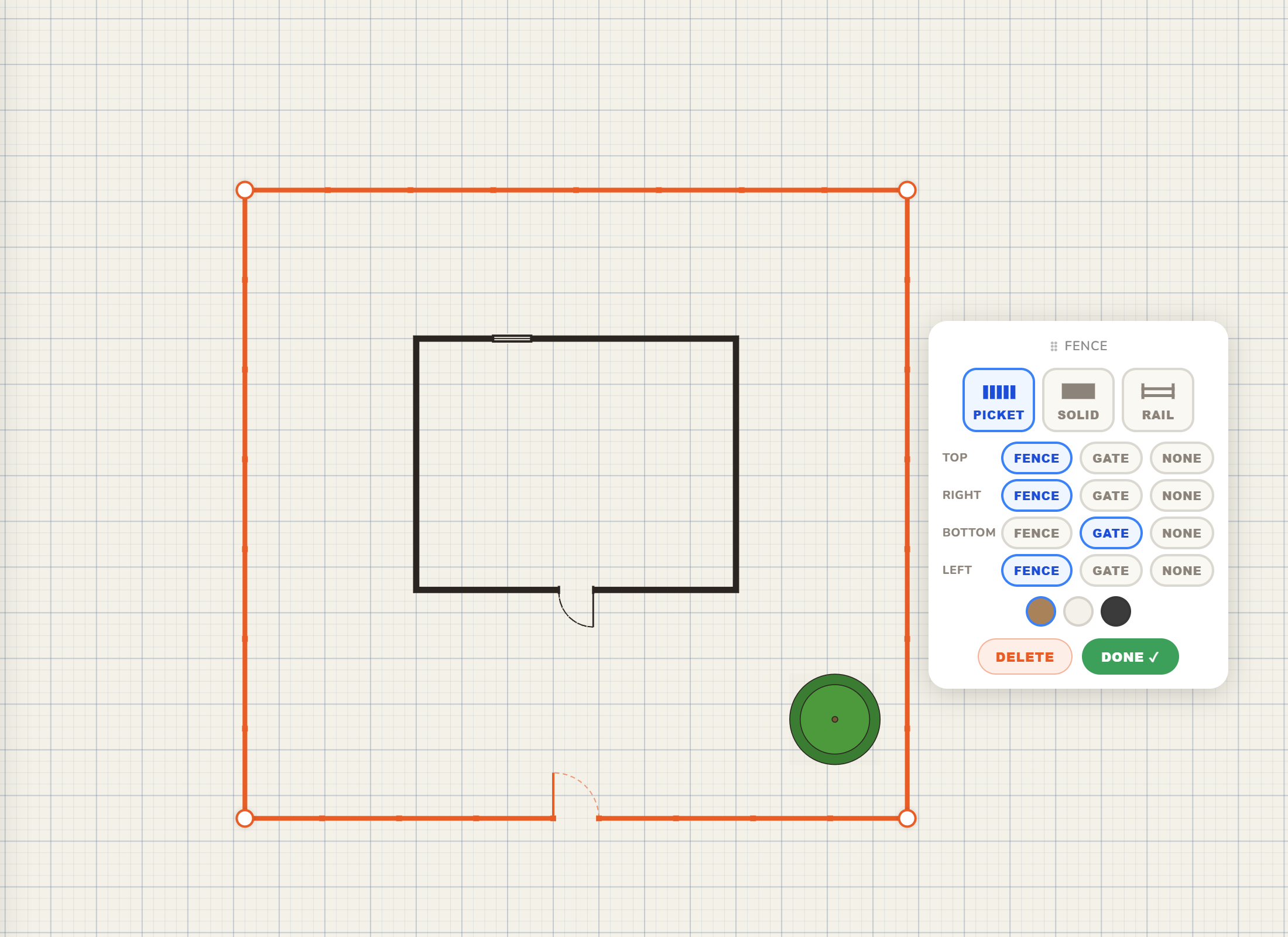
The fence appears and a small panel opens for it.
A straight fence
To run just one stretch of fence, such as from the house out to the yard fence, pick Fence and then tap Straight in the bar at the bottom. Click where the fence starts and click where it ends. It snaps to the ends of walls and to other fences, so it meets them neatly. Tap Rectangle to go back to fencing a whole yard.
Change it
Tap the fence on its edge to open its panel again. A tap inside the yard goes to whatever is there, not to the fence.
The panel has:
- A style: Picket, Solid or Rail.
- Each side: Top, Right, Bottom and Left each have three buttons. Fence is the normal run, Gate puts a gate in the middle of that side, and None takes that side away.
- A row of colors.
- Delete.
- Done ✓ to close the panel.
To move the fence, drag it by its edge with the Select tool.
The three styles
| Style | Height in 3D | Looks like |
|---|---|---|
| Picket | 3′ 6″ | Pointed boards with gaps between them |
| Solid | 6 ft | Boards with no gaps, for privacy |
| Rail | 4 ft | Posts with open rails |
Good to know
- A gate is 4 feet wide. A side has to be at least 8 feet long to take one. On a shorter side, the fence just runs straight across.
- Use None for a side the house covers. If the fence meets the back of the house, turn that side off so it doesn't run through the walls.
- You can have more than one gate. Set any side to Gate.
- Flip a gate like a door. Tap the fence, then tap the round buttons beside its gate: ↔ moves the hinge to the other end, and ↕ makes it swing to the other side of the fence.
- There's only one ground. Like a driveway or a pool, a fence shows on every floor of the house, because it's outside, at ground level.
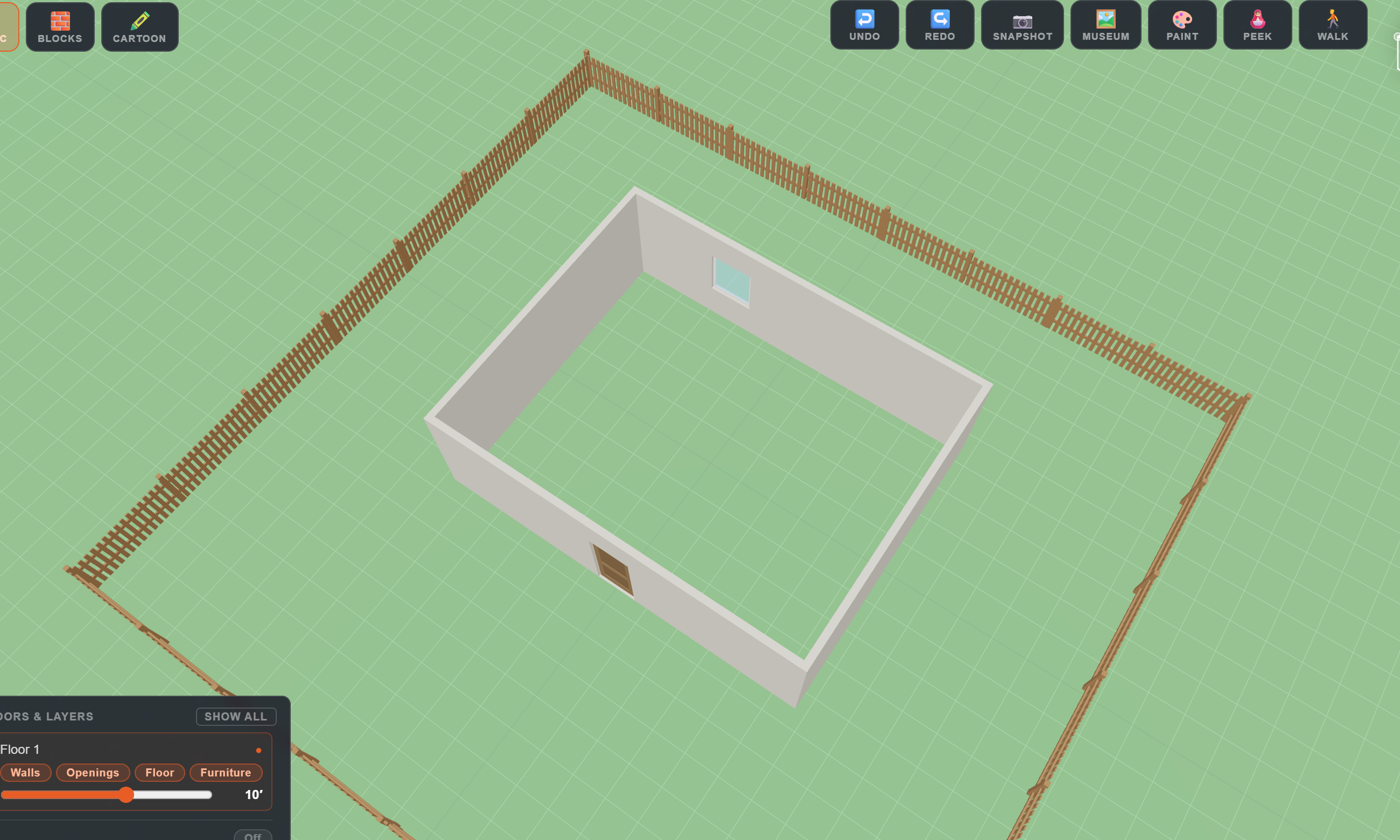
- Look at it in 3D. The plan shows a line and posts; the boards and gates show in 3D.
If something goes wrong
It says it would be on top of the house (or something else in the yard). A fence can't cross the house, a deck or a pool, or cross another fence. Draw it round them instead.
I tapped the fence and nothing happened. Tap right on the line. Only the edge of a fence can be tapped.
I chose Gate and no gate appeared. That side is shorter than 8 feet. Make the fence bigger, or put the gate on a longer side.