
Make one
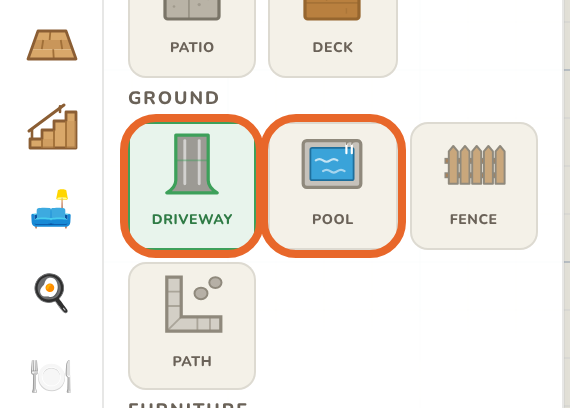
Open Outdoor and pick Driveway or Pool.
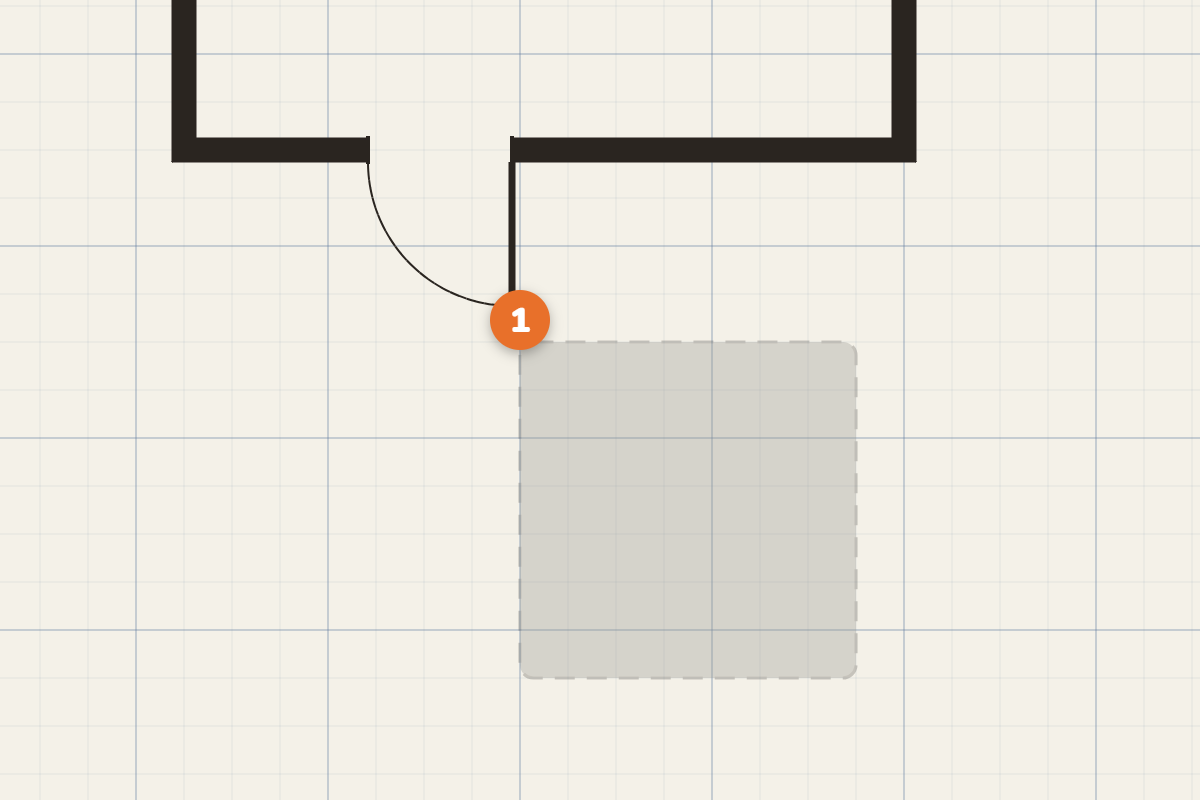
Press where one corner goes and drag to the opposite corner, then let go.
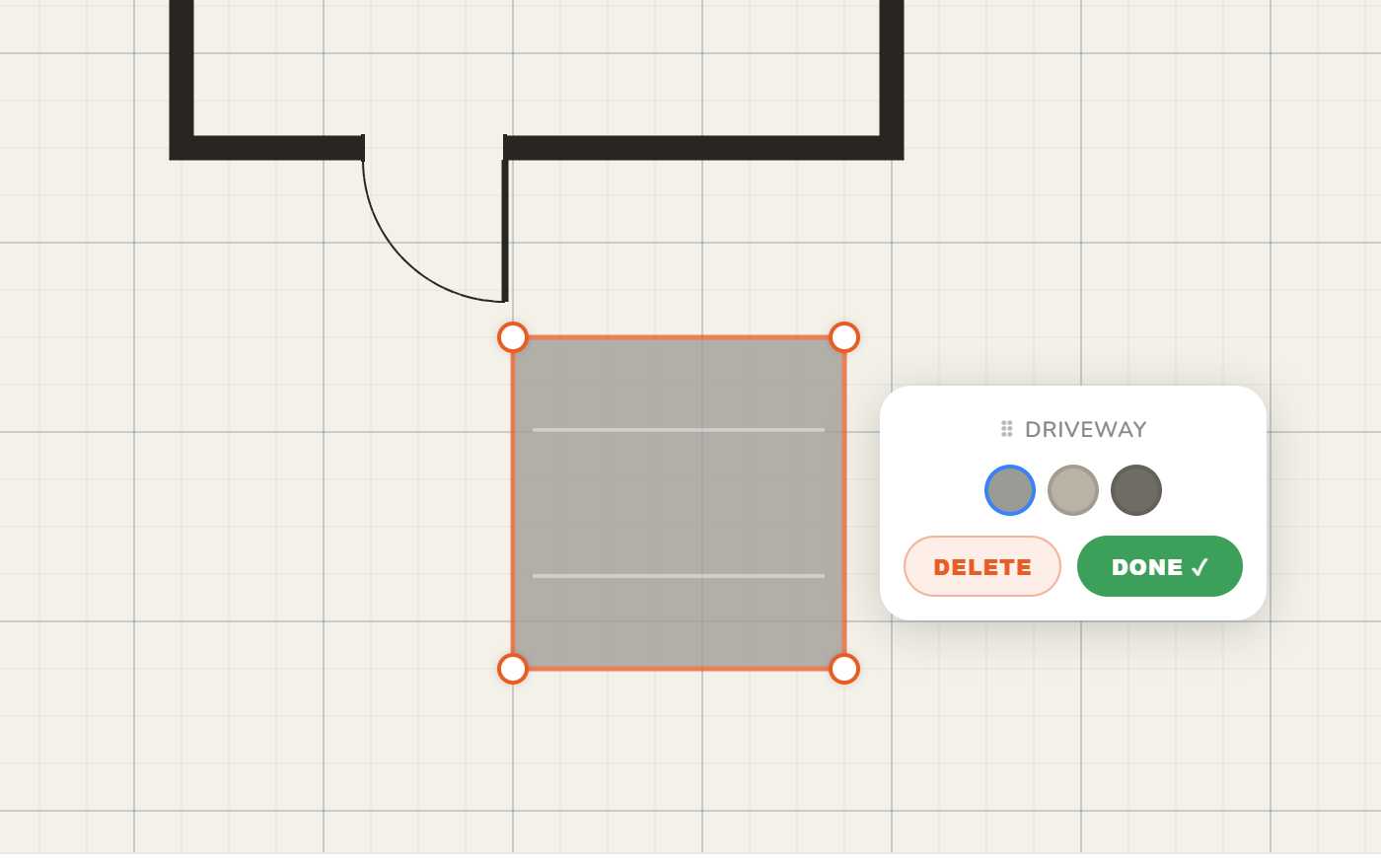
A small panel opens for it.
Change it
Tap it to open its panel again:
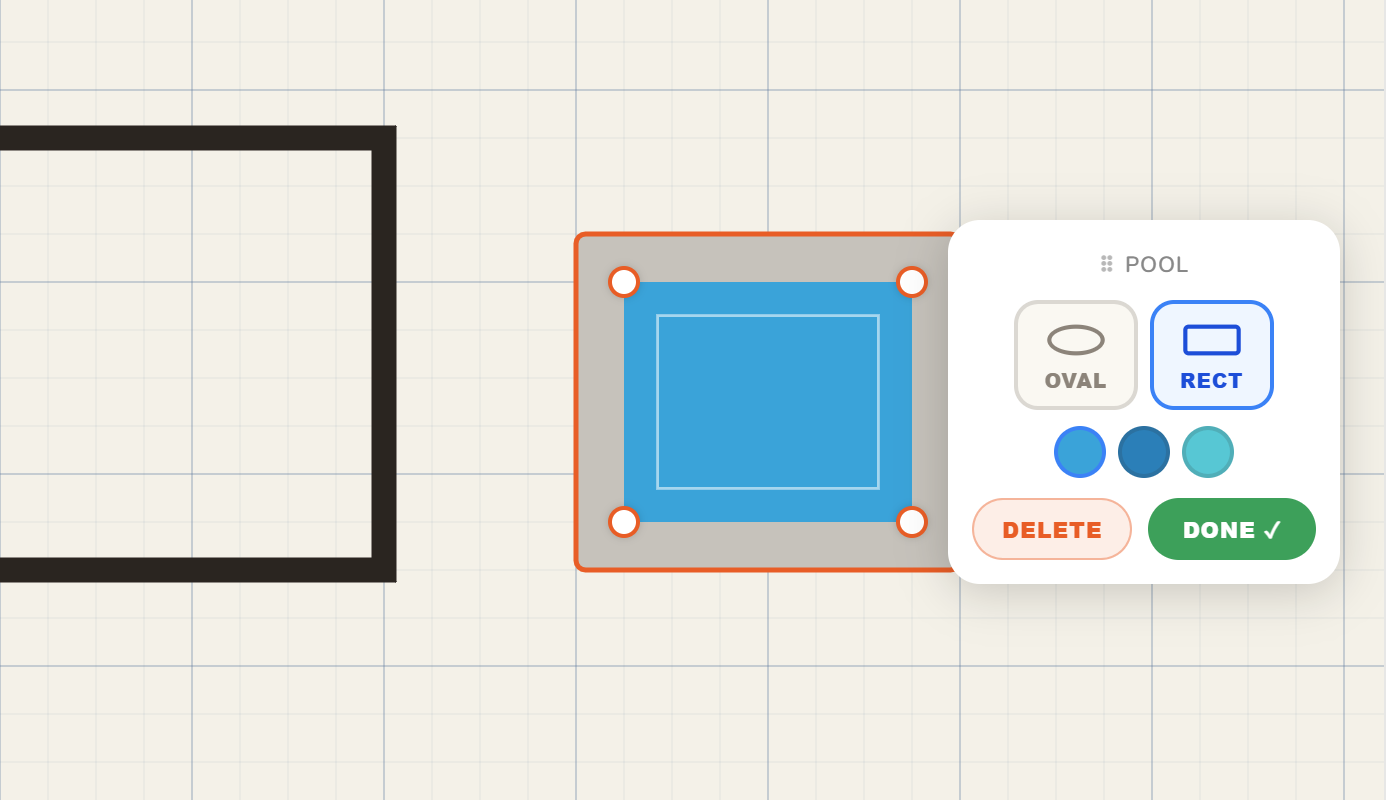
- Oval and Rect switch a pool's shape.
- A row of colors.
- Delete.
- Done ✓ to close the panel.
To move it, drag it with the Select tool.
Things to know
A pool can't be drawn on top of the house, a deck or a fence. If it would be, the shape shows red and a note says so. Driveways can go anywhere.
There's only one ground. A driveway or pool shows on every floor of the house, because they're outside, at ground level.
A pool gets a 1-foot edge around it on the plan.
In 3D, a pool is sunk into the ground, water and all.