
A patio or deck is attached to a wall of the house. You don't draw it out in the yard; you click the wall it belongs to.
Add one
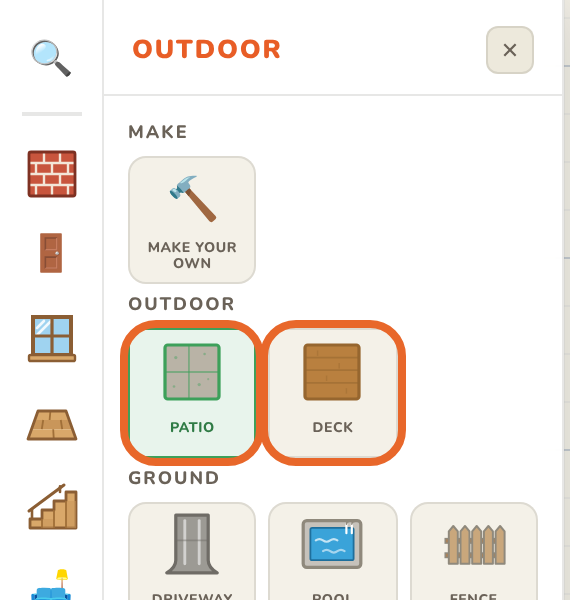
Open Outdoor and pick Patio or Deck.
Click an outside wall. It snaps onto the outside of that wall, 12 feet wide (or as long as the wall, if the wall is shorter) and 5 feet deep. It stays on the wall even if you click near a corner. Inside walls don't take one.
Size and place it
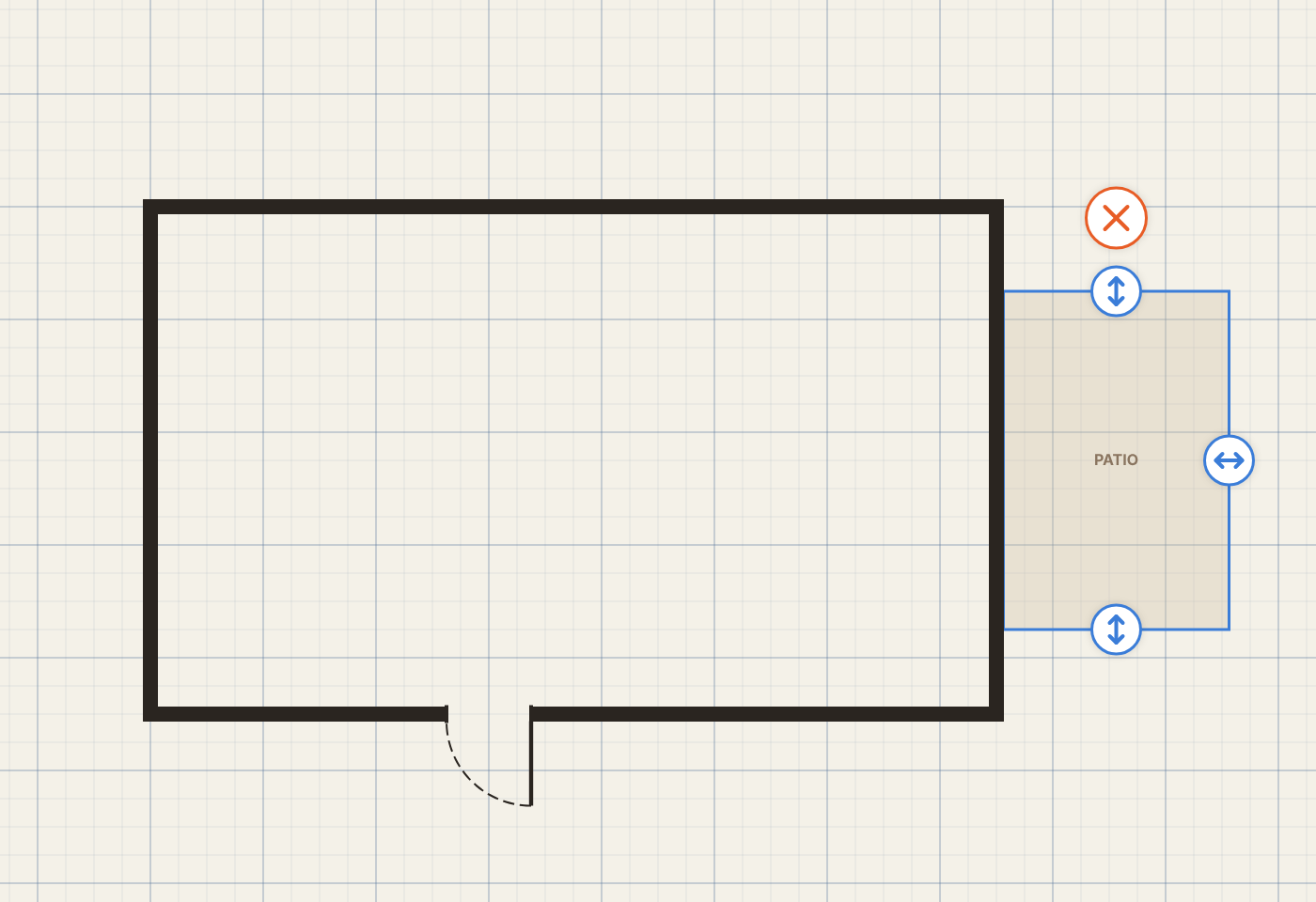
Click it to select it. Round grips appear on its sides:
| To | Do this |
|---|---|
| Make it wider or narrower | Drag the grip on one of its sides. The other side stays put. |
| Make it deeper or shallower | Drag the grip on its front edge |
| Slide it along the wall | Drag the patio itself |
| Delete it | Press the orange ✕ |
When you drag a side close to a wall, it snaps to the outside of that wall and a blue guide line shows it, so it lines up with your house. Away from walls it moves in steps of the grid. Sizes go from 2 to 40 feet wide and 2 to 20 feet deep. The bar at the bottom shows the size.
The first tap only selects it. It moves only when you drag it after that, so tapping a patio, or a chair on it, never moves the patio by mistake.
Patio or deck?
A patio sits on the ground, with no railing. A deck has posts, railings and a way in. Pick the one you want from its own tile in Outdoor. Both can be covered.
Select a deck and the bar at the bottom shows:

- Other side puts it on the other side of the wall.
- Opening (or Stairs on a deck off the ground) opens or closes the deck's way in. See The way in below.
- Left, Front and Right (or Top, Front and Bottom on a deck at the side of the house) are its three open sides, named the way they look on the screen. Tap one to switch its railing between Railing and None. A side that runs along another wall, like the inside corner of an L-shaped house, says Wall and never gets a railing.
- 🏠 Covered turns it into a front porch (see below).
The way in
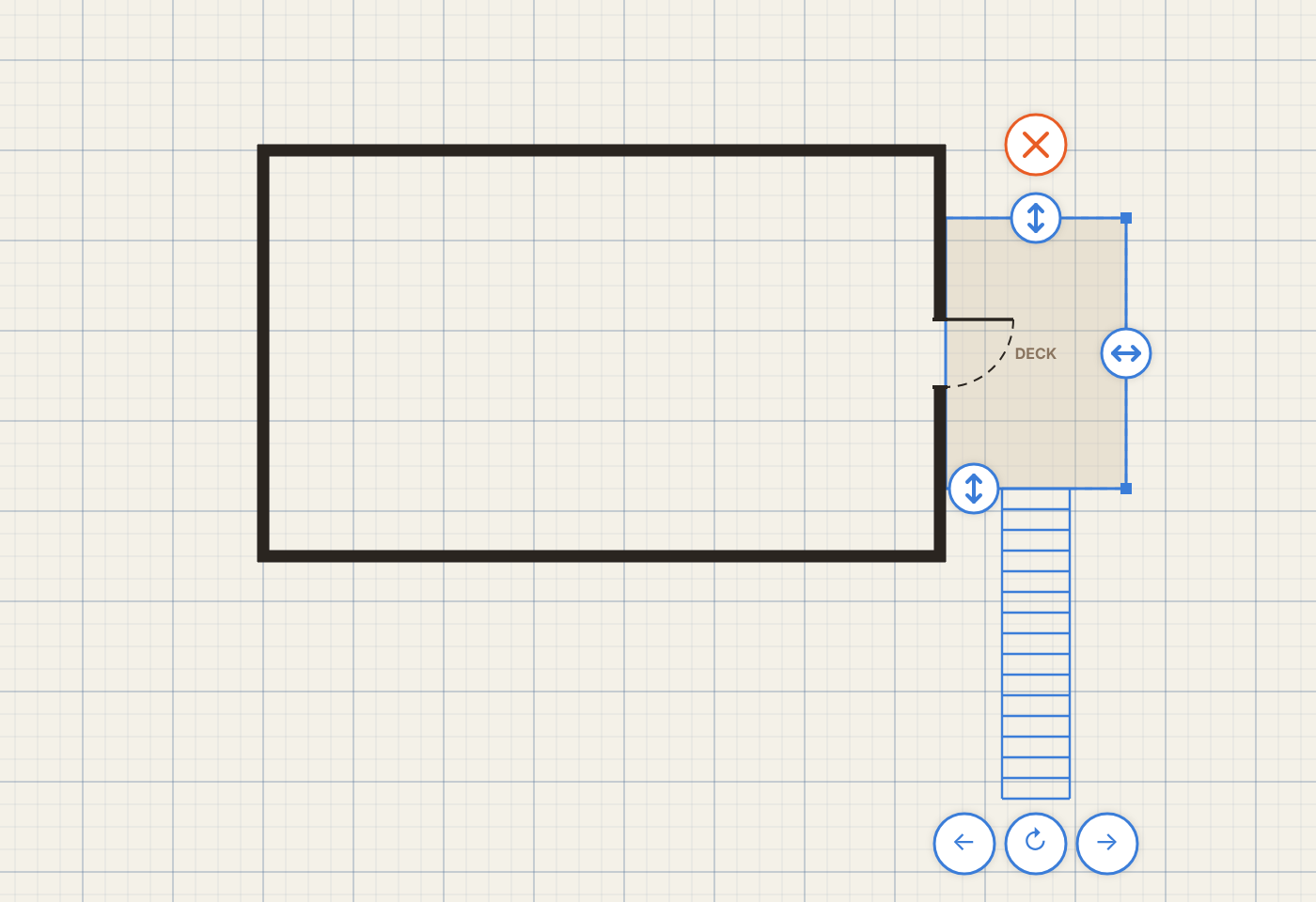
Every deck has one way in, a gap in the railing. It starts in the middle of the front. Three round buttons sit beside it on the plan: ← and → slide it along its side, and ↻ moves it to the next side.
On a deck on the ground floor, the way in is just an opening. The deck is level with the house floor, so there are no steps. If the house is lifted above the ground or the yard slopes (see Yard height and sloping yards, which is in Advanced), a ground-floor deck is off the ground too, so it gets stairs like an upper-floor deck. A patio always stays on the ground. A patio on a basement wall sits at the basement floor.
On a deck on an upper floor, the way in is a staircase. It always reaches the ground. The app works out how many steps from how high the deck is, about 7 inches each, and the buttons sit at the bottom of the stairs:
Cover it
Select a deck or patio and press 🏠 Covered. White columns rise from its outer edge and a sloped roof reaches back to the house wall. Long porches get an extra column about every 10 feet. The roof moves, resizes and deletes with the deck. A patio's bar has just its size, Other side and Covered. Press Columns: to change the posts: Square, Round, Tapered (wider at the bottom, on a short stone base) or Stone base (a chunky stone pier under a wood post). In the walkthrough the columns are solid, so you walk around them. Switch to 3D to see it. The porch roof is the same color as the house roof: change the roof color in the 3D panel and both change.
Where one can go
A deck or patio can't go on top of the house, another deck, a pool or a fence: a note says so and nothing is placed. Pick a spot beside them.
When the wall changes
A patio or deck belongs to its wall. Delete the wall and it goes too; one Undo brings both back. Cut the wall in two, or cut it back (both are in Advanced), and the deck stays where it is. Copy or Mirror (Advanced) a wall and its deck comes along.