
A Picture Frame is a piece of furniture that hangs on a wall. You can leave it empty, or put your own picture in it: a drawing you scanned, a photo, anything on your device.
Hang a frame and add your art
Open Living Room, Dining Room or Bedroom on the left rail and pick Picture Frame from the Wall Art group.
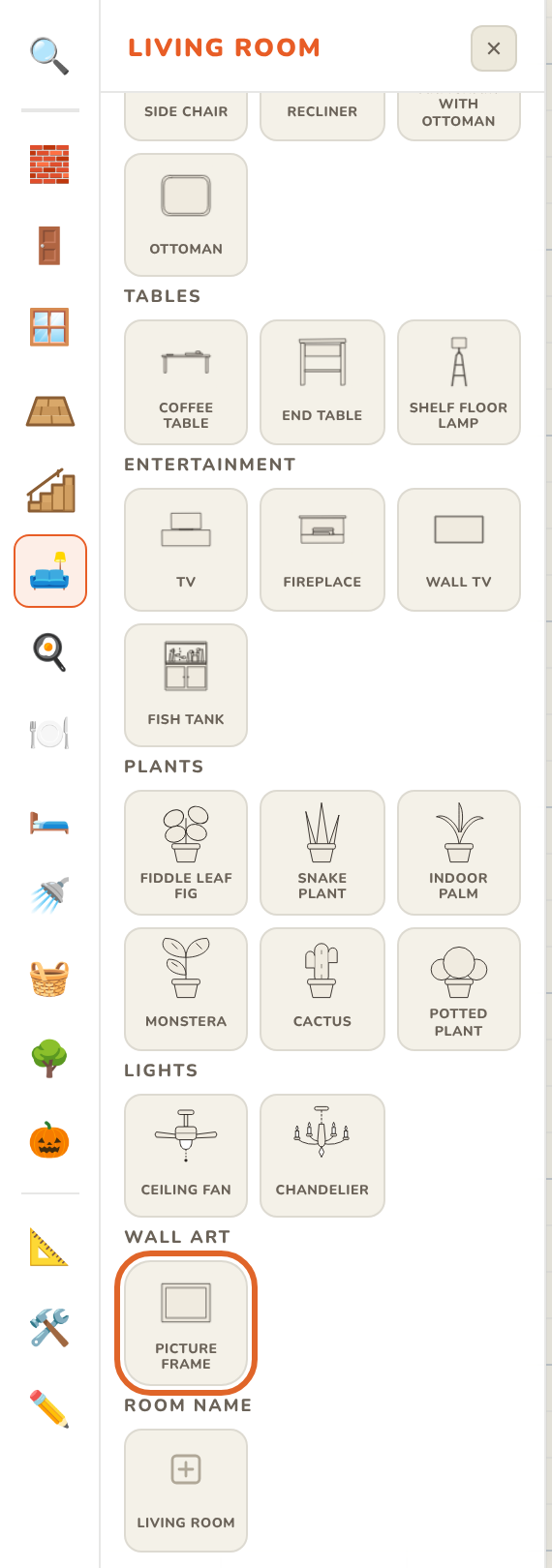
Click next to a wall. The frame is 24″ wide. Near a wall it settles flush against it, like other furniture.
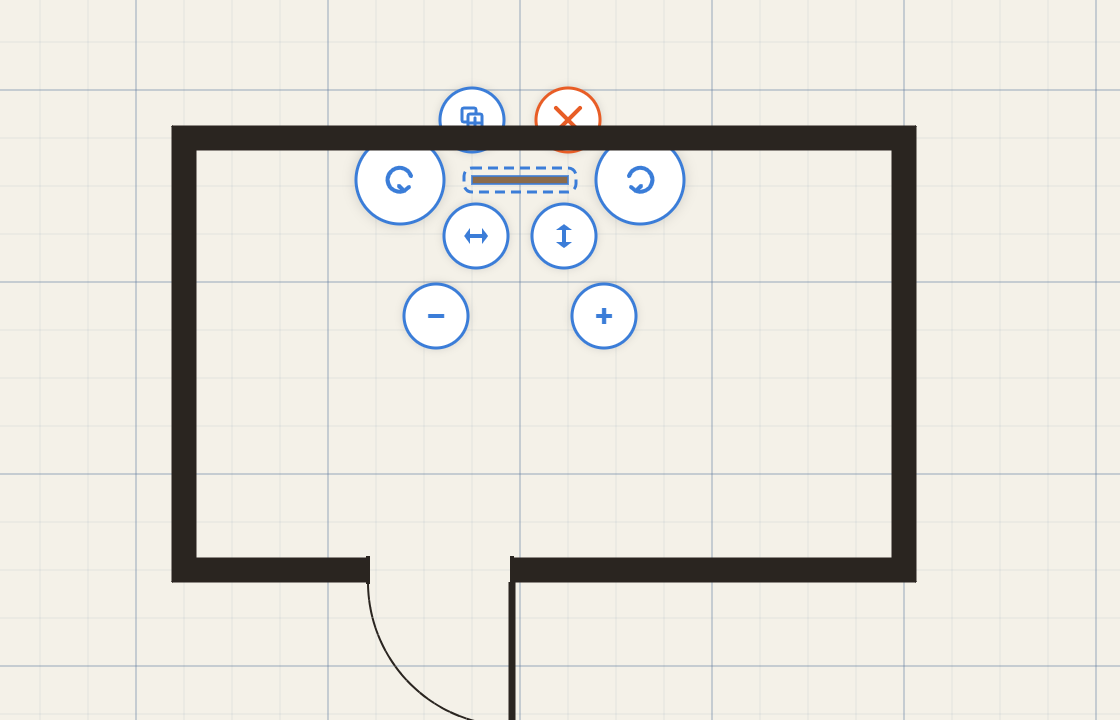
Click the frame with the Select tool to select it. The bar at the bottom shows 🖼️ Add your art and a Size group.

Click 🖼️ Add your art and choose a picture from your device. On a tablet it can also offer the camera, so you can photograph a drawing.
Now click 3D in the bar at the top. The picture is on the frame, on the wall.
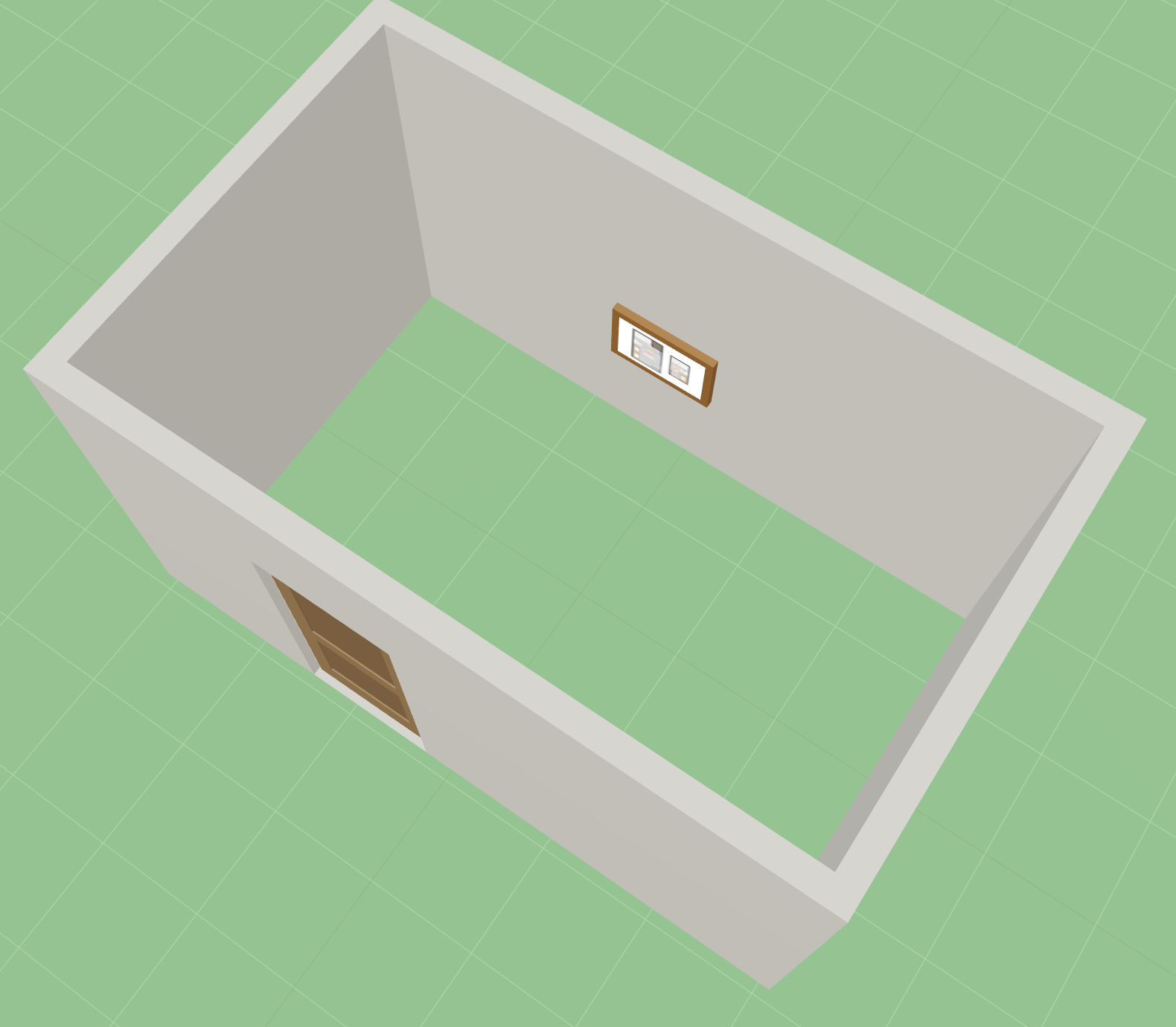
Change it after
Select the frame, and in the bar at the bottom you can:
Click 🖼️ Change art to pick a different picture. The button says Add your art until a frame has one.

Pick a size: S is 18″ wide, M is 28″ and L is 40″. The frame starts at 24″, so none of the three is lit until you pick one.
The picture keeps its own shape, so a tall drawing makes a tall frame and a wide one makes a wide frame. It won't be squashed. The shape has limits: the picture area is never shorter than 8″ or taller than 60″.
The round buttons around the frame work like any furniture: see Moving, turning, flipping. The picture shows on both sides of the frame, so it faces the room whichever way the frame is turned.
Good to know
- The picture shows in 3D, not on the plan. Until you add art, the frame in 3D shows a pale mat.
- It hangs at gallery height. In 3D the middle of the picture is 57″ off the floor.
- Your picture stays private. The app re-draws it before keeping it, which strips out hidden details like where a photo was taken. If it's very large it's also shrunk so its longest side is at most 1024 pixels.
- It's saved with your house. The picture is kept with the project and goes into the .tad file when you save to your computer.
If something goes wrong
Nothing happened when I picked a picture. The app couldn't read the file. Try a regular picture file such as a .jpg or .png.
I can't find Picture Frame. It's in the Living Room, Dining Room and Bedroom palettes, not More Rooms. In Simple mode, click Furniture on the wheel, then look under one of those rooms.