
Click a piece to select it. Round buttons appear around it.
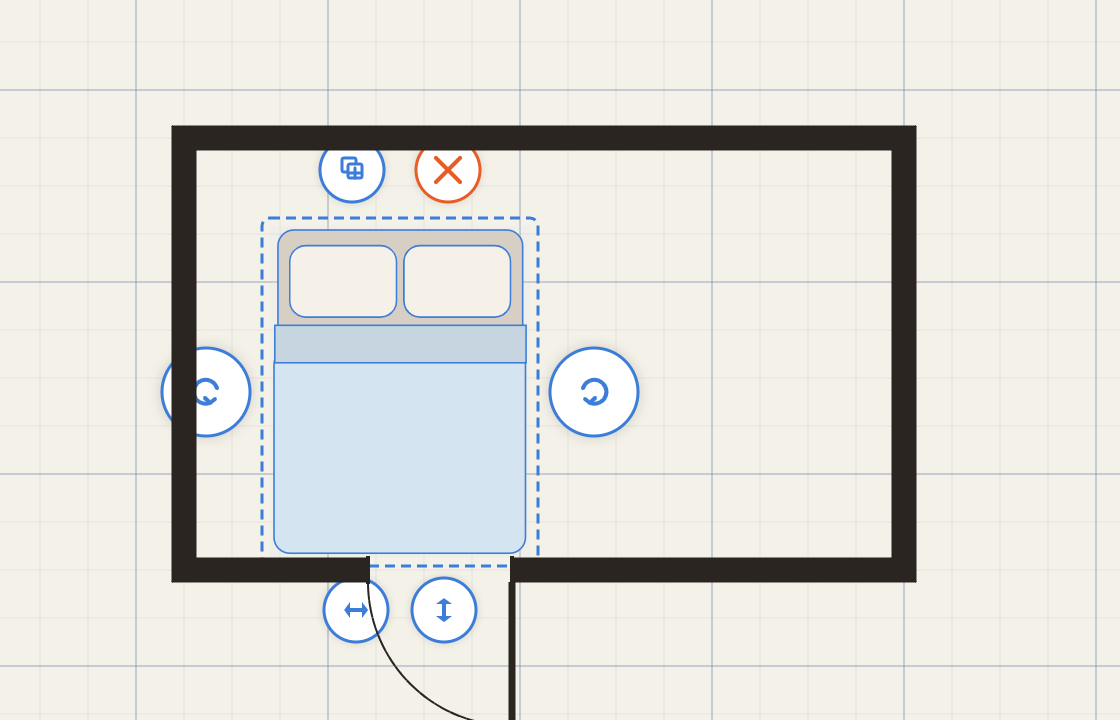
Move it
- Drag it. Near a wall, it settles flush against the wall's face. Hold Alt while you drag to move it freely.
- Nudge it with the arrow keys: 1″ each press, or 1 foot with Shift held.
Turn and flip it
- The two curved arrows, on its left and right, turn it 45° each way.
- The two flip buttons, below it, mirror it side to side or front to back.
The other buttons
- ✕ deletes it. So does the Delete key.
- The two squares pick up the same piece at the same size, so your next click drops another one.
Counters and sinks change length
Counters, sinks, vanities and the dual sink also get − and +: each tap makes them 6″ shorter or longer. The L-Shape Counter has a second pair for its other arm.
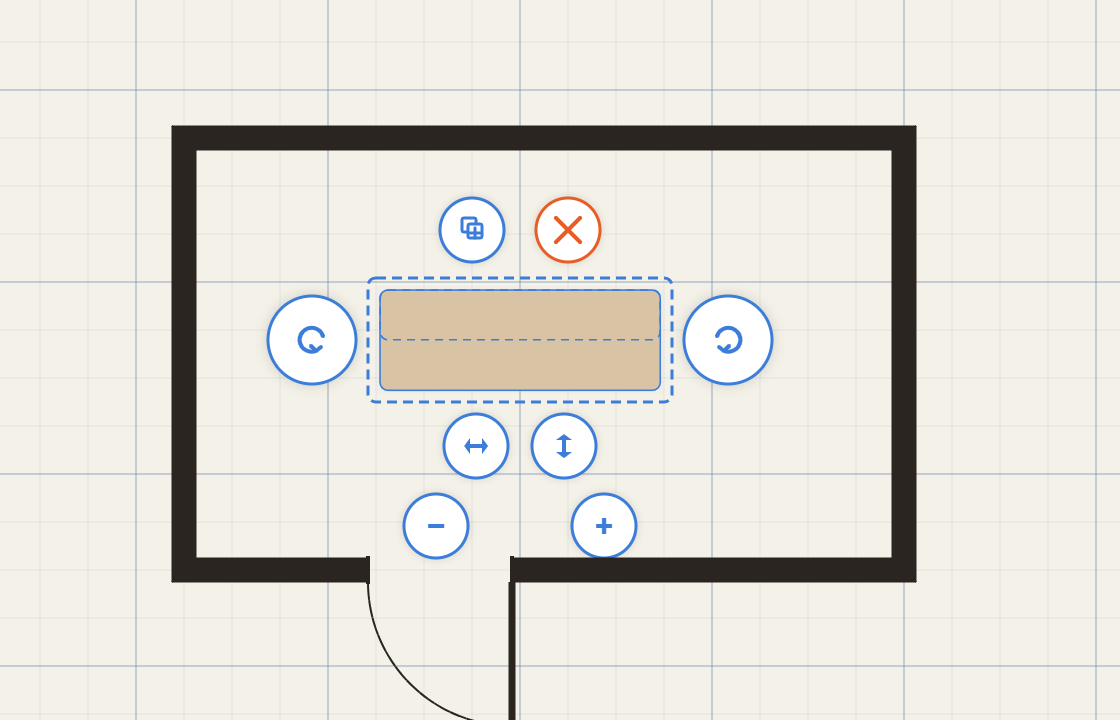
Other furniture keeps its size.
Every move is one Undo. Drag a piece across the room and Ctrl+Z puts it straight back.