
Lay a rug
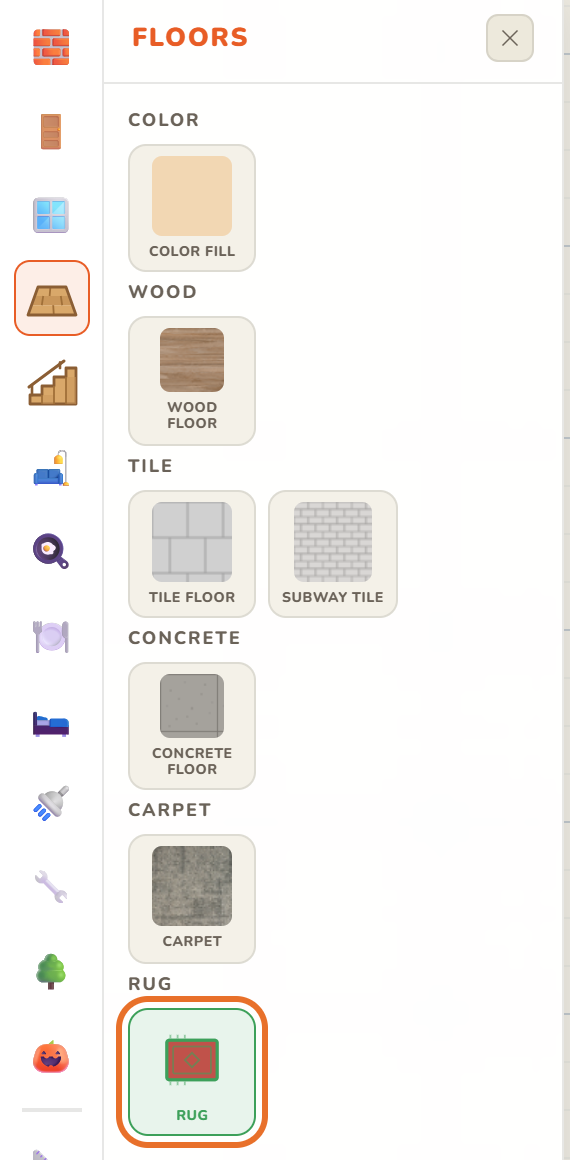
Open Floors and pick Rug.
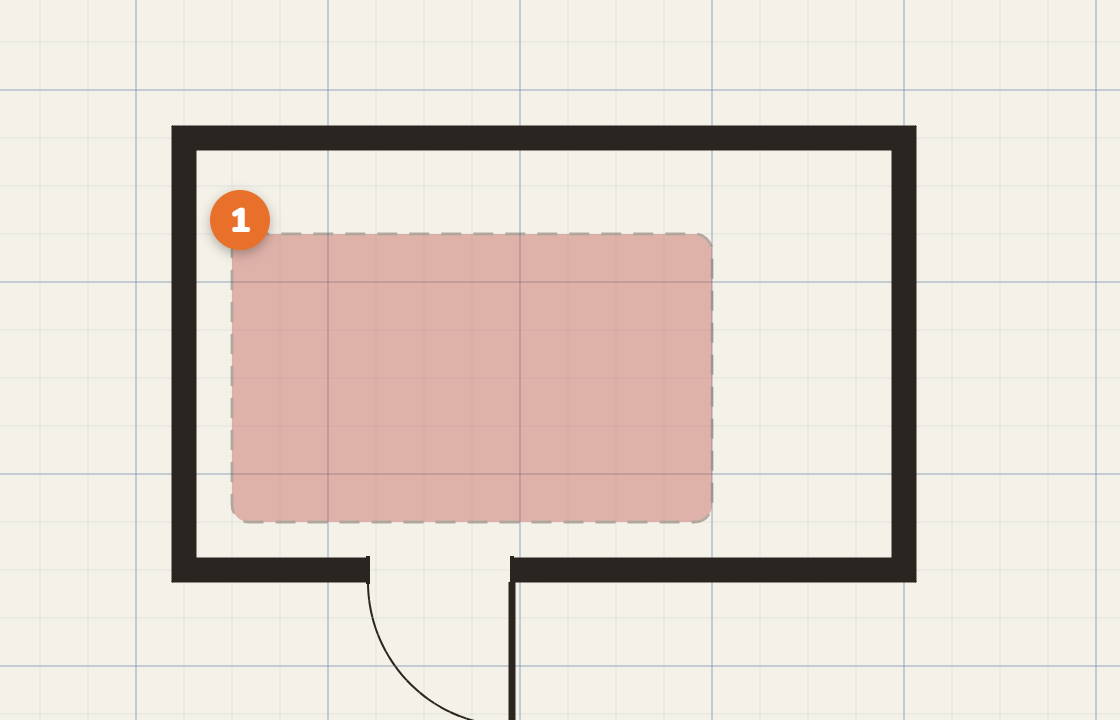
Press where one corner goes and drag to the opposite corner, then let go. Every grid square is a foot, so you can count the size as you drag.
The rug is laid and a small panel opens for it.
Change it
Tap the rug to open its panel again. It has:
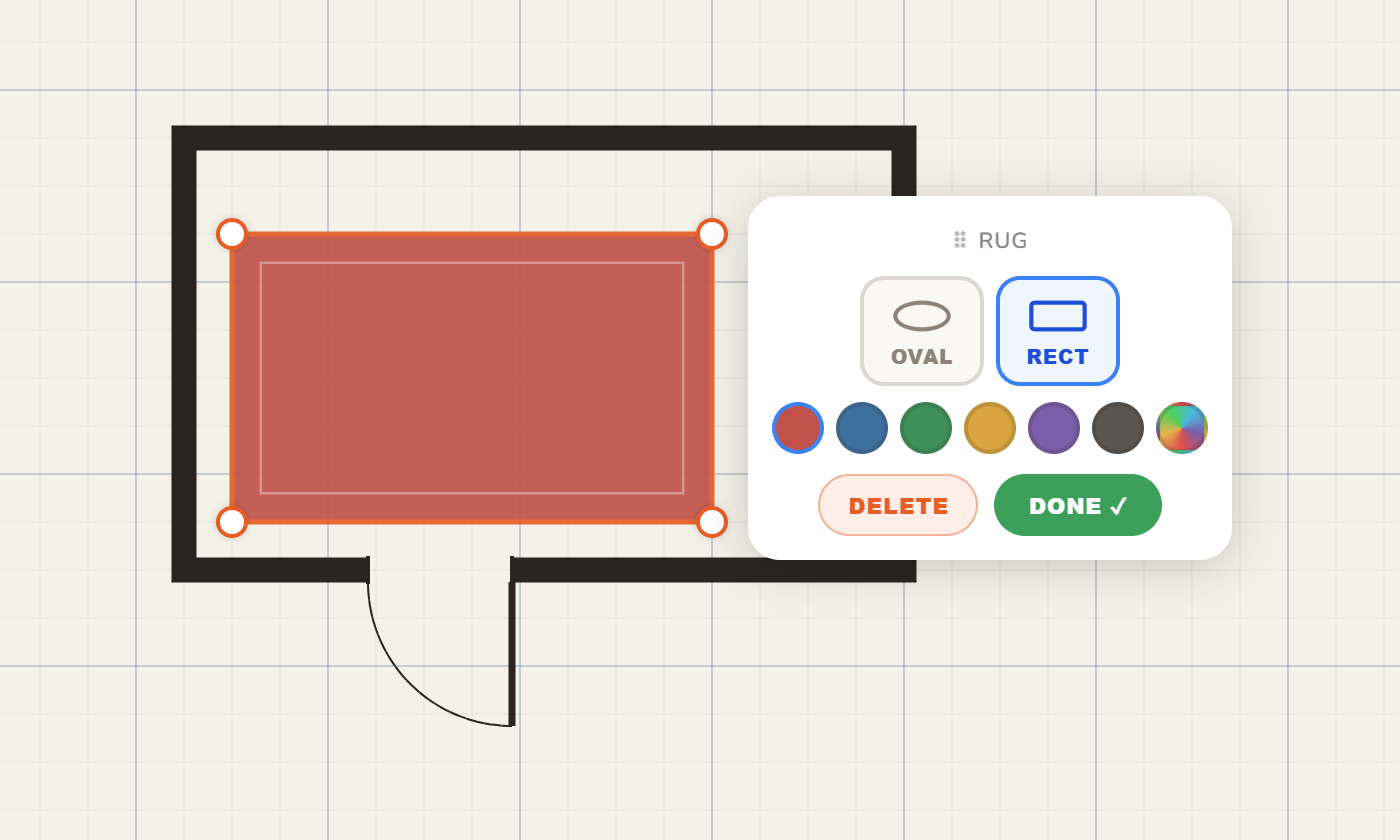
- Oval and Rect, to switch its shape. An oval fills the same rectangle you dragged.
- A row of colors.
- Delete.
- Done ✓ to close the panel.
To move a rug, drag it with the Select tool.
The app lets a rug run past the walls, because it doesn't know you didn't mean it. If the edges go through a wall, the rug is too big for the room.