
An Arc Wall is a wall with a curve in it: a rounded bay, a curved porch, a half-circle end.
| Tool | Where | Thickness |
|---|---|---|
| Arc Wall (outside) | Walls › Outside | 6″ |
| Arc Wall (inside) | Walls › Inside | 4″ |
Draw one
Pick Arc Wall from Walls › Outside or Walls › Inside.
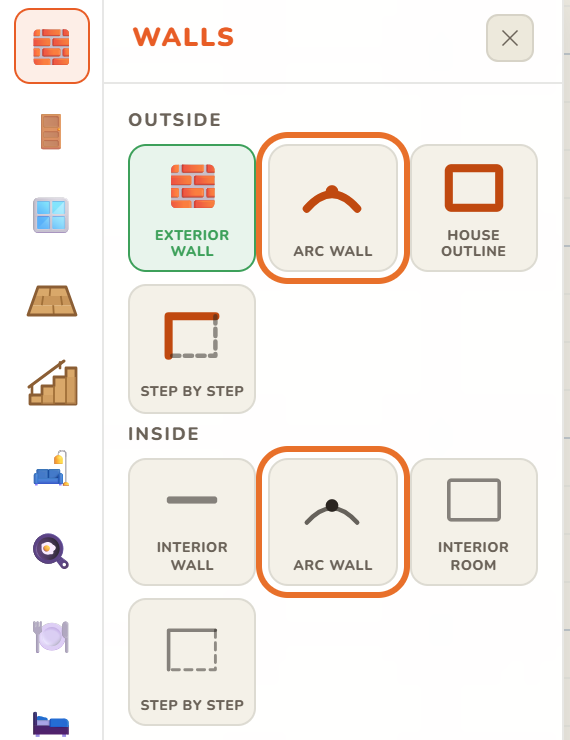
Click where the wall starts.
Click where it ends. The wall appears already bowed to one side, with a round handle in its middle.
Draw it along a straight wall (both ends on that wall) and the arc replaces that stretch of the straight wall, in one step you can undo. Doors and windows on the rest of the wall stay where they are.
Drawing an arc wall is just like drawing a normal wall: see Exterior and interior walls. The difference is that it makes one wall only. It never chains into a second wall, and the app switches to the Select tool for you with the new wall selected.
Set the curve
Drag the round handle in the middle of the wall. Drag it sideways and the wall bows more or less, or to the other side.
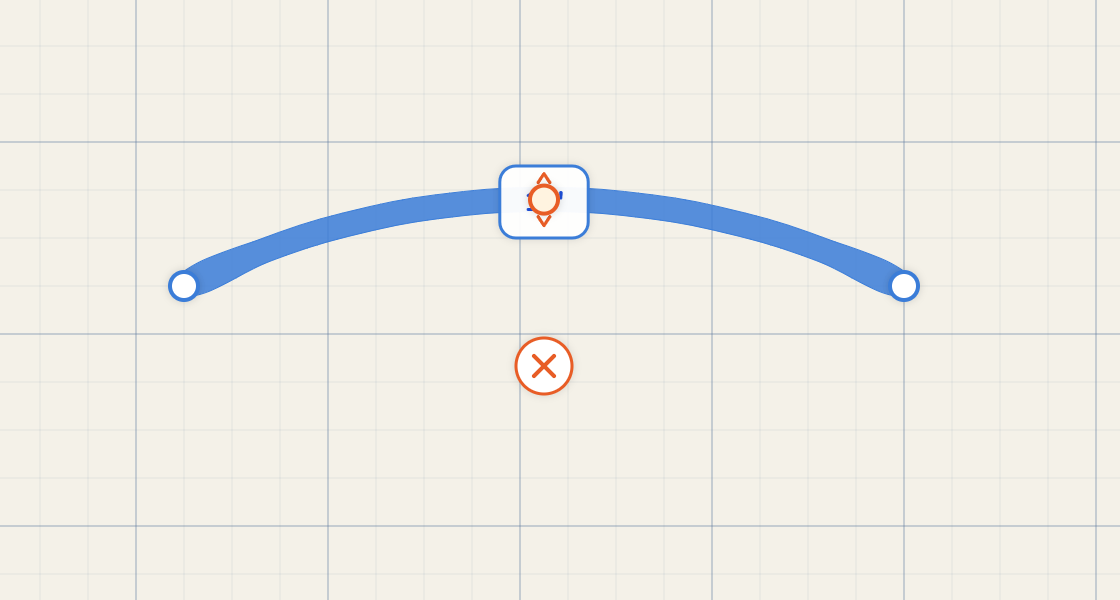
To straighten it, drag the handle back to the middle of the wall.
The curve stops at a half circle. You can't bow it any further than that.
Change it later
Any wall can be curved, not just an Arc Wall. Click a wall with the Select tool and you'll see the same middle handle. See Changing a wall.
Good to know
- Doors and windows follow the curve. Put one in a curved wall and it sits on the curve.
- Snap and Ortho work as usual for where the two ends go. See Exterior and interior walls.
If something goes wrong
My wall bows the wrong way. Drag the middle handle across to the other side.
I can't see the handle. The handle only shows while the wall is selected. Click the wall with the Select tool.